Blueprint diagram video — Blue blueprint style
Make a diagram video like a blue architect's blueprint: line-drawn wireframes, dimensions drawing themselves, a numbered title block and red notes.
Součást plánu Starter, se všemi 81 styly a vlastními · náhled vytvořil engine ClipOnIt
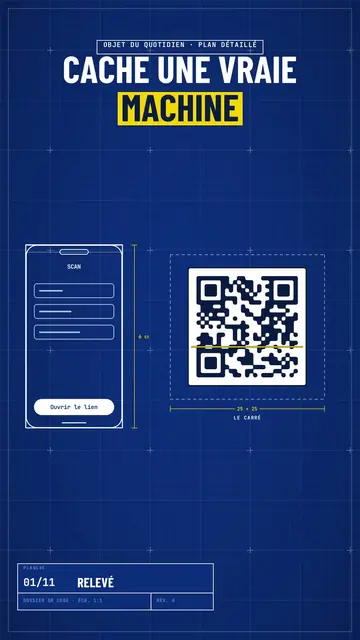
Jak tento styl vypadá
Blue blueprint draws your topic on a gridded blue sheet, like a real technical plan. The title is in white condensed capitals, with the key word on a yellow band, and a numbered title block in the corner moves forward with each scene, like the sheets of a file. Objects are traced in white line in real time: a phone wireframe, a diagram, a table, a circle of icons around a big number.
Dimensions get drawn between the pieces (“6 cm”, “25 × 25”) and captions name them. Taped screenshots, lists being ticked, a yellow sticky note, a dark terminal and a score complete the sheet. A red handwritten note circles or comments on the important detail, like an architect correcting in marker. The end shows a profile with a “Subscribe” button being clicked.
Témata, na která se hodí
Avoid: emotional topics, stories with characters or topics without structure: the plan wants pieces, dimensions and steps. Also avoid overloading a sheet; three pieces per scene stay readable.
- How everyday objects workThe dimensioned plan shows the inside of a QR code, a bank card or a screen.
- App and AI tutorialsThe line-drawn phone wireframe shows the screen without a branded screenshot.
- Technical architecturesDiagrams drawing themselves make an architecture readable step by step.
- Methods and action plansThe numbered title block and the ticked list give the feel of a well-run file.
Nápady na videa v tomto stylu
- How a QR code works
The phone scanning, the square dimensioned 25 × 25, the diagram of zones and the big error correction number.
- An app's architecture in 4 blocks
The diagram drawing itself, the dimensioned arrows and the title block moving forward.
- What's inside your bank card
The card's plan, the dimensioned chip, the red note and the ticked list.
- Launch a website in a weekend
The wireframe, the taped screenshots, the yellow sticky note and the final score.
Získáte to na 1 kliknutí
- Otevřete odkaz na tento styl
Tlačítko „Vytvořit video v tomto stylu“ otevře editor s již vybraným stylem. Bez účtu se registrace zabere minutu a nepotřebujete kartu.
- Napište téma v jedné větě
Stačí jedna myšlenka. Můžete také vložit svůj text nebo přes Starter nadiktovat do mikrofonu: video pak vznikne na základě vašeho hlasu.
- Zkontrolujte a pak vyrenderujte
AI napíše scény, vybere prvky stylu a načasuje je podle slov, včetně hlasu a titulků. Vy opravíte, co nesedí, a vertikální MP4 dorazí za pár minut.
Co můžete upravit
For each scene you pick one to three pieces on the word (phone, screenshot, table, diagram, circle, list, sticky note, terminal, score or element) with their dimensions and captions, the sheet name in the title block, the label above the title, a note under the pieces and a red annotation.
Často kladené otázky
Zdarma či ne, výstup, použití: krátké odpovědi.
Are the dimensions to scale?
Dimensions show the text you write, like on an architect's sketch. The drawing stays readable; it is not calculated to real scale.
Můžu použít vlastní hlas?
Yes. Record yourself or import your audio: lines, dimensions and notes draw themselves on your words.
Čím se liší od Class sketch?
Class sketch draws in black line on white, freehand, like a notebook. Blue blueprint traces dimensioned pieces on a gridded blue sheet, with a title block.
Je tento styl v bezplatném tarifu?
Ne, je součástí plánu Starter ($29/měsíc): 15 videí měsíčně bez vodoznaku, všech 81 stylů a vlastní styly. Bezplatný plán nabízí 3 videa měsíčně s vodoznakem v 8 dalších stylech: Pixel News, Press paper, Comedy cartoon, Class sketch, Night tale, Social screen, Retro synthwave a Flat vector.
Pokud se vám tento styl líbí
- Zdarma
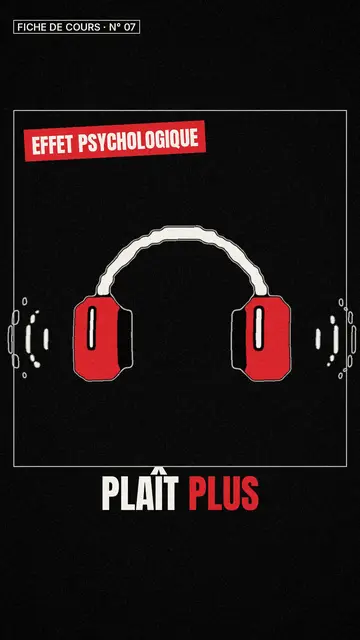
Tvůrce videí ve stylu whiteboard skic
Styl Class sketch · Živé černobílé skici s červenými akcenty.
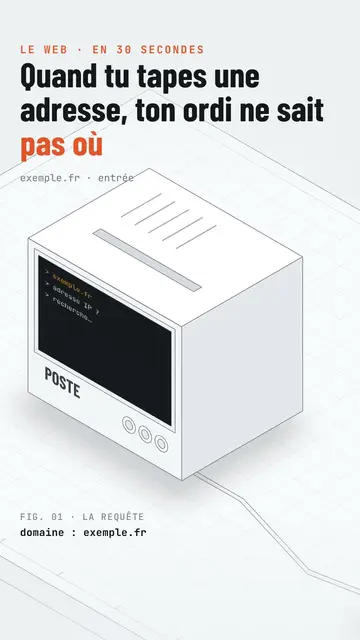
Isometric tech video
Isometric technical board style · A white installation with fine edges seen in one continuous pan, screens lighting up on the word.
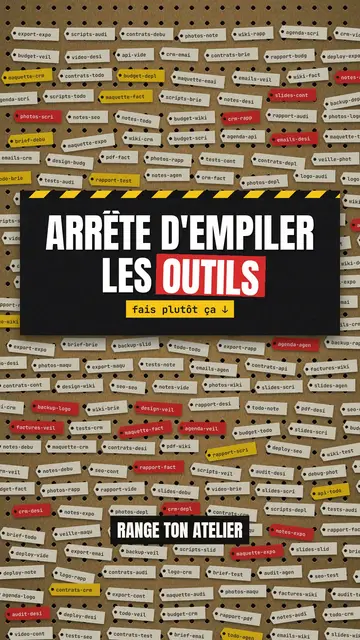
Step-by-step method video
Pegboard workshop style · Everything hangs on a cardboard pegboard: falling labels, gauges, caution tape.
Váš nápad v tomto stylu
Napište větu nebo ji řekněte: styl je už vybraný, když se dostanete do editoru.