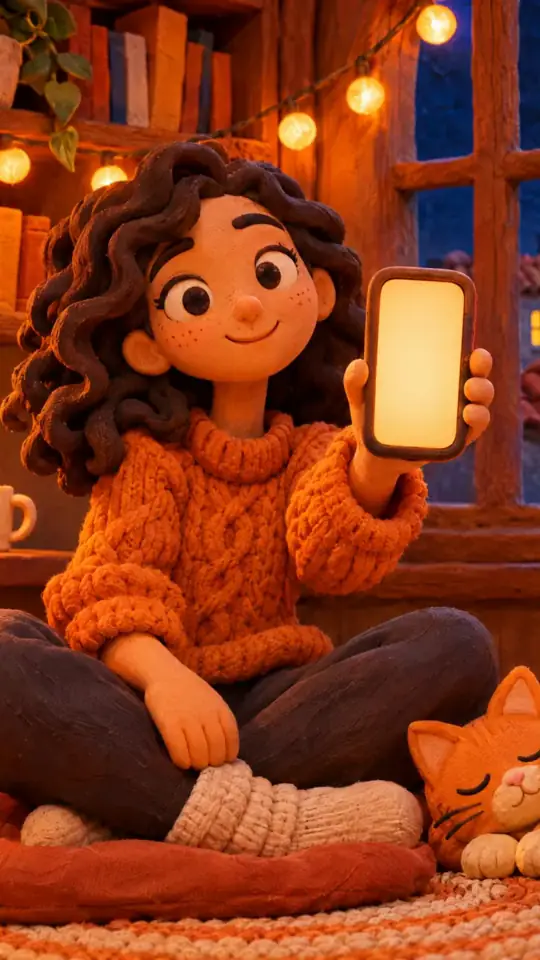
Tech tutorial video maker — Terracotta studio style
Make a tech tutorial video with UI cards floating in light 3D on cream: numbered labels, rolling counters, terracotta plates and italic serif captions.
Součást plánu Starter, se všemi 27 styly a vlastními · náhled vytvořil engine ClipOnIt
Jak tento styl vypadá
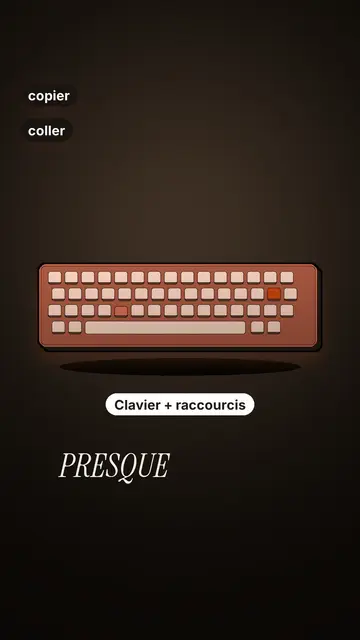
Terracotta studio explains a tool as if on a tidy workbench. On a cream background, interface cards float in light 3D, with real perspective and a warm shadow: an app window, a list of steps, an editing timeline, a sound wave drawing itself, a pad of keys lighting up one by one. At the top, a numbered label (“01”, the tool's name, “free”) says where you are and stays put while that tool is discussed. Each card enters on the word that names it.
The promise lands on a solid terracotta plate: an asterisk, an extra-bold grotesque title and an underlined italic serif word. The key number rolls in a giant counter above a floor of small cards in perspective. Small labels pop around the cards on the strong words, and captions run word by word in uppercase italic serif, the key word in terracotta. The end shows a numbered card and a button that lights up and then gets clicked.
Témata, na která se hodí
Avoid: stories carried by characters, places or emotions: the style shows interfaces, lists and numbers, not scenes from life. Also avoid topics without steps or a concrete tool; a card should always show something you can do.
- Tool tutorialsEach tool gets its numbered label and its cards: viewers follow the order without getting lost, even in 30 seconds.
- Tech tipsA shortcut, a hidden setting, a command: the lit keys and the window show the exact move.
- How things workA search, a sound, an edit: the card filling up shows the mechanism step by step.
- Free tools and app round-ups“3 free tools”, “5 apps to install”: the plate announces the number, the end card sums up the list.
Nápady na videa v tomto stylu
- 3 keyboard shortcuts that save time
The lit keys, the closed-tabs window, the clipboard history and the card to keep.
- 5 free sites to find sounds
One label per site, the wave drawing itself, the counter of royalty-free sounds and the final list.
- How AI finds an image in one second
The typed search, the scrolling film strip, the image at the exact frame and the accuracy score.
- Editing a video on your phone
The timeline where clips stack up, the sound meter and the “Export” button clicked at the end.
Získáte to na 1 kliknutí
- Otevřete odkaz na tento styl
Tlačítko „Vytvořit video v tomto stylu“ otevře editor s již vybraným stylem. Bez účtu se registrace zabere minutu a nepotřebujete kartu.
- Napište téma v jedné větě
Stačí jedna myšlenka. Můžete také vložit svůj text nebo přes Starter nadiktovat do mikrofonu: video pak vznikne na základě vašeho hlasu.
- Zkontrolujte a pak vyrenderujte
AI napíše scény, vybere prvky stylu a načasuje je podle slov, včetně hlasu a titulků. Vy opravíte, co nesedí, a vertikální MP4 dorazí za pár minut.
Co můžete upravit
For each scene you pick one to three cards out of twelve (window, list, timeline, wave, pads, counter, meter, score, numbered frames, search, film strip or a library element), the numbered label for that part, up to three small labels and the word where each one appears. A terracotta plate carries the promise, a number shot rolls the key figure, and the end card lists your tools with a button. Your own voice works too: everything locks onto the spoken words.
Nakresleno v tomto stylu
9 517 prvků v její knihovně, vyhledatelných podle významu. Několik z nich:
 Postavy
 Zařízení
 Dokumenty a místa
 Data
 Prostředí
 Rozhraní
 Věda
 Akce
Často kladené otázky
Zdarma či ne, výstup, použití: krátké odpovědi.
Do I need screenshots of my tools?
No. The engine draws the interface cards from your text: titles, lines, keys, numbers. No screenshot or brand logo is used.
Můžu použít vlastní hlas?
Yes. Record yourself or import your audio: every card, every key and every caption word locks onto what you say.
How is it different from Clean interface?
Clean interface tells a story in OS-style windows with a clicking cursor. Terracotta studio is built for tutorials: cards in light 3D, a numbered label per tool, terracotta plates and counters.
Je tento styl v bezplatném tarifu?
Ne, je součástí plánu Starter ($29/měsíc): 15 videí měsíčně bez vodoznaku, všech 27 stylů a vlastní styly. Bezplatný plán nabízí 3 videa měsíčně s vodoznakem v 8 dalších stylech: Pixel News, Press paper, Comedy cartoon, Class sketch, Night tale, Social screen, Retro synthwave a Flat vector.
Pokud se vám tento styl líbí
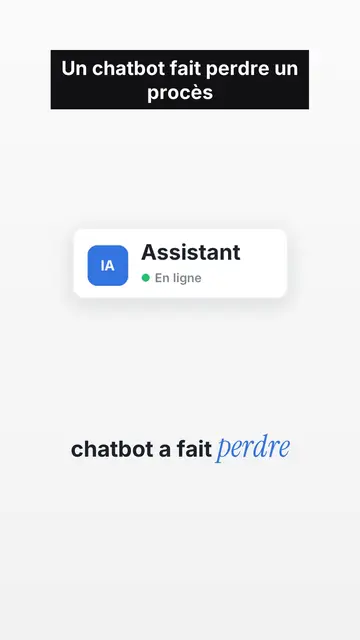
UI motion design explainer video
Clean interface style · The story played out in clean interface cards: windows, buttons, a cursor clicking on the word, key word in serif.
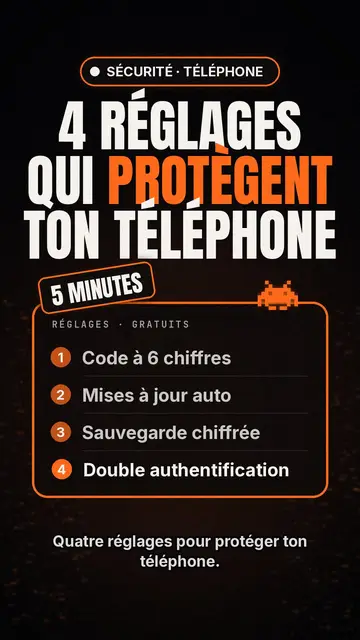
Tvorba videí s tech žebříčkem
Tech list style · Tech karta na černém pozadí, zářivý štítek, číslovaný seznam.
Nástroj pro tvorbu videí s kinetickou typografií
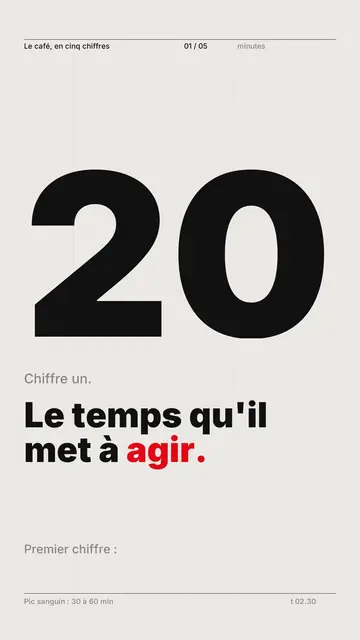
Švýcarský mřížkový styl · švýcarská typografie: světlý papír, přísná mřížka, obří číslice, jedna signální barva.
Váš nápad v tomto stylu
Napište větu nebo ji řekněte: styl je už vybraný, když se dostanete do editoru.